Basic
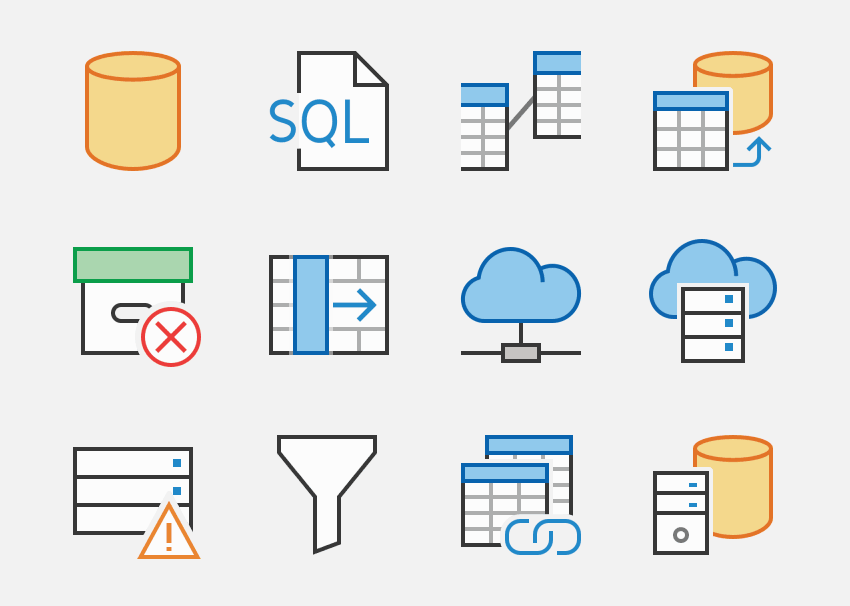
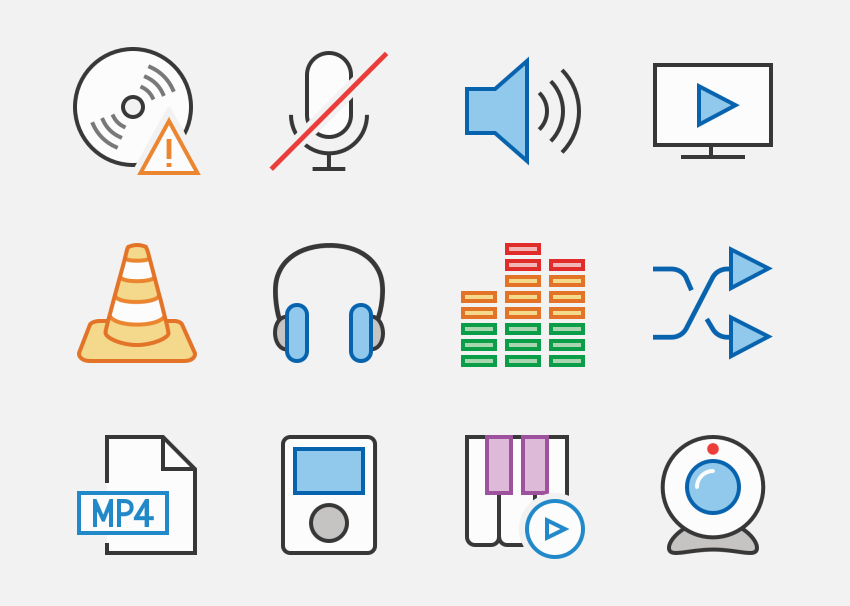
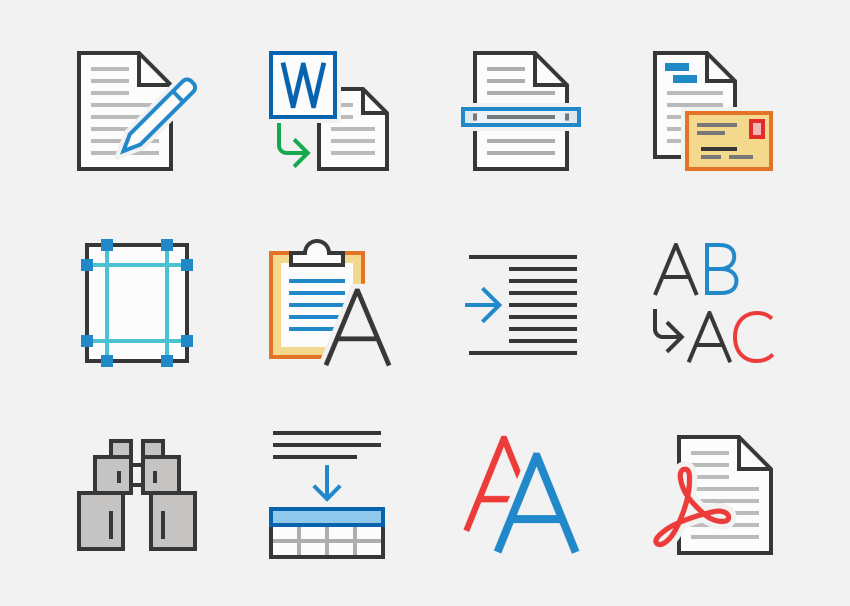
423 icons to illustrate common functions and objects.

Use this free sample pack to evaluate Office-style vector icons for Windows ribbons, toolbars, and menus. Office Pro is a practical fit for command-heavy desktop applications that need a clean, familiar UI language at both 16x16 and 32x32 sizes.
File: Axialis-OfficePro2019-Sample.zip
Contents: 20 sample icons — Axialis IconGenerator Free
This sample is for teams comparing icon direction before licensing the full Office Pro family. If you build back-office tools, WPF applications, or command-dense desktop software, it gives you a quick way to test how the style behaves in real ribbon and toolbar layouts.
You can freely download and extract the files on your computer for evaluation. This archive contains only 20 icons for evaluation purposes and may not be used in projects.
This sample page should answer one practical question: does Office Pro fit the command surfaces, small sizes, and export workflow used by your Windows application?
Office Pro is strongest when you need a professional Windows desktop look for menus, toolbars, and ribbon commands. The sample helps you judge whether the style matches the density and familiarity your users expect.
Review how the icons read at the compact sizes that matter in application chrome. Office Pro is designed around two detail levels for 16x16 and 32x32 UI usage, which is where many generic icon sets start to fall apart.
If the sample direction works, continue on the full Office Pro family page to review all available sets, overlays, and export options available through Axialis IconGenerator.
Yes. The Office Pro sample is meant to help you judge the lined Office-style look and the two-size workflow used for 16x16 and 32x32 command surfaces before moving to the full family.
No. This sample pack is for evaluation only. Use it to test fit, export workflow, and UI clarity, then license the full Office Pro family for production use.
If the sample matches your ribbon, toolbar, or menu workflow, browse the full Office Pro family and use IconGenerator to customize overlays, colors, and export formats for your application.
27 sets 6365 icons — IconGenerator compatible
Icons made for Windows application ribbons, toolbars & menus.
Style is thin, lined & colored, inspired by Microsoft® Office 365/2019.
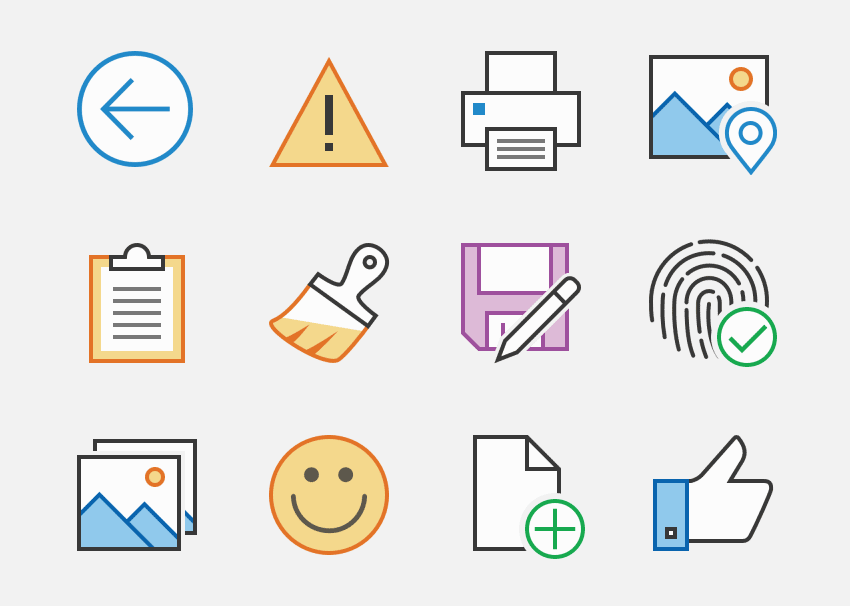
Compatible with IconGenerator — 2 levels of detail (aligned on 16x16 and 32x32 grids). Export vector (SVG, XAML, AI, EPS, PS, PDF, FONTS) & bitmap (PNG, BMP, image strips).
The SVG Vector Icon Editor for Developers

Optimized for Performance and Productivity
Skip the bloated design tools. Fast and lightweight, Axialis IconVectors launches instantly and keeps you in the flow. No clutter — just the tools you need to design icons efficiently.
Designed for Developers
Made by coders for coders. Axialis IconVectors focuses on clean, fast SVG icon editing with direct code import/export for your favorite dev frameworks.
Exclusive Tools for Icon Creation
Use smart features made just for icons: badge overlays, cutouts, shadows, and one-click UI state variants. Get pixel-perfect vector icons, faster.
Generate Customized Pixel-perfect Icons in Seconds

Generate Vector & Bitmap Icons In Seconds
Axialis IconGenerator is a free icon production tool for professional developers, UI designers and illustrators. It lets you create icons in seconds from a database of ready-to-use icon sets.
All Major File Formats Supported
Supported vector formats are SVG, XAML, PDF, EPS, PS. You can also generate bitmap icons at all standard and custom sizes in PNG, BMP, JPEG, Windows ICO, Mac ICNS and Image Strip.
Customize Your Icons
Various overlay images are provided in each icon set. They let you illustrate actions or states associated to an icon such as add, remove, edit... You can also colorize your icons.